To prepare for the domain transfer, please follow these steps:
- Log in to your Register.com account that currently manages the domain.
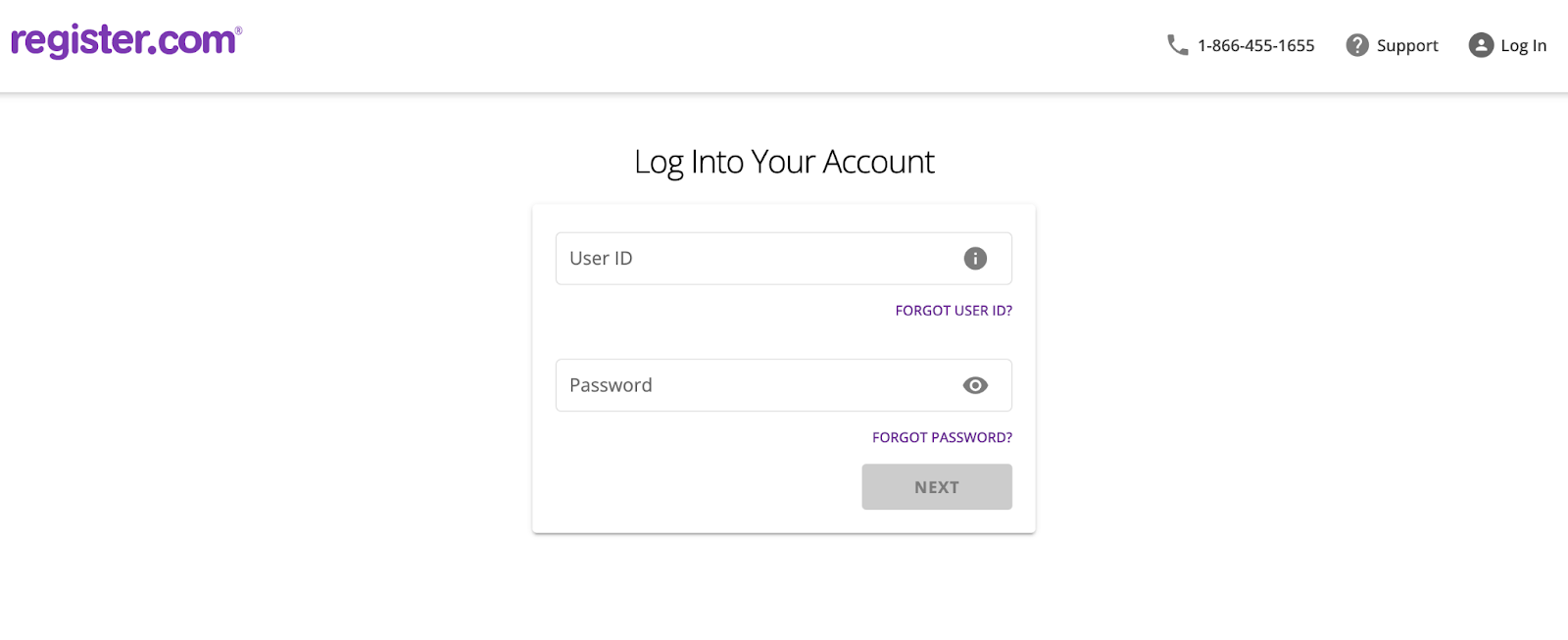
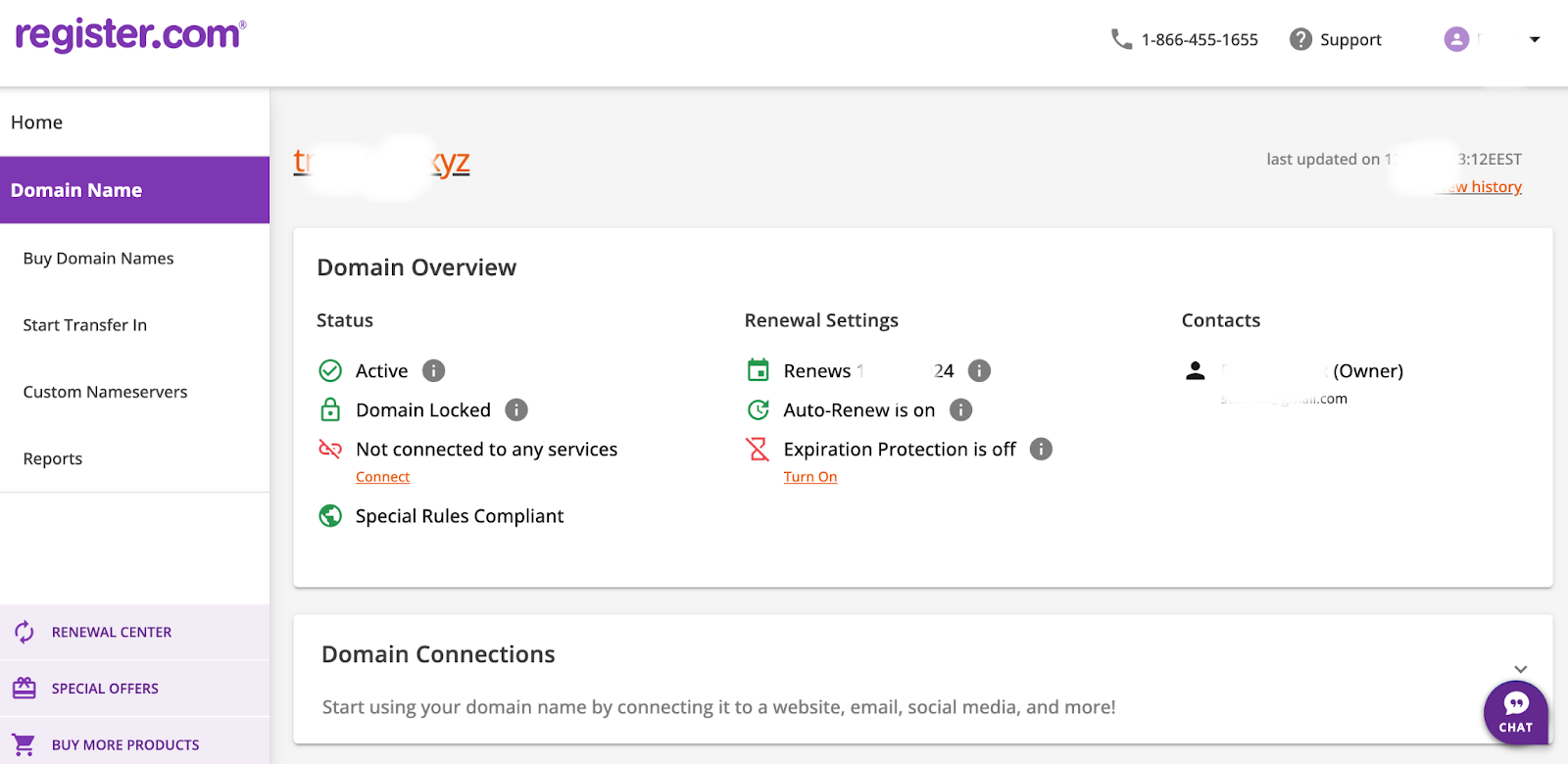
Ensure that you meet all the prerequisites for a successful domain transfer and then navigate to “Domain Names” on the left-hand side of the Web.com page.
Click on the Transfer or Move Domain section.
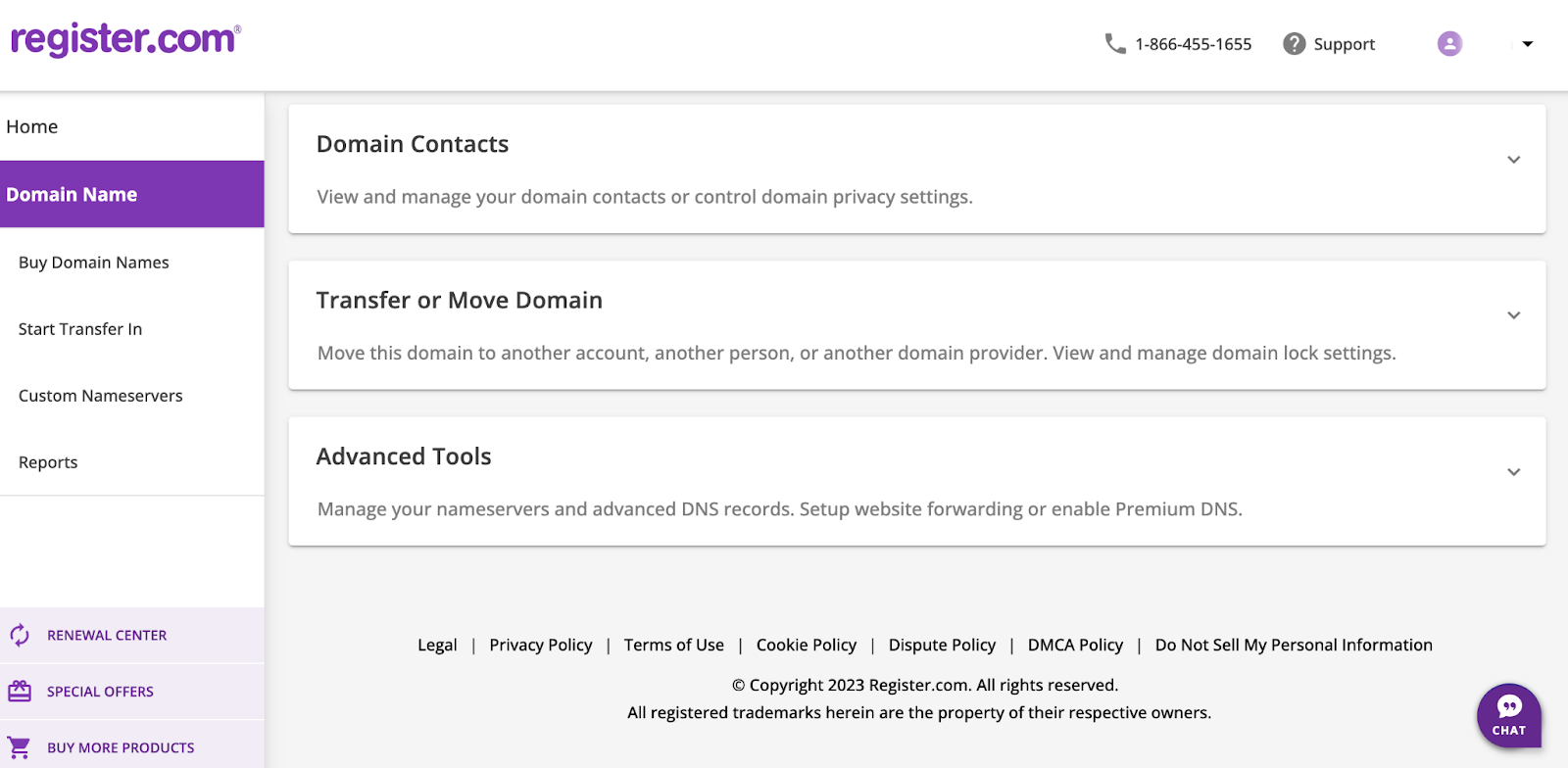
- Unlock the Domain.
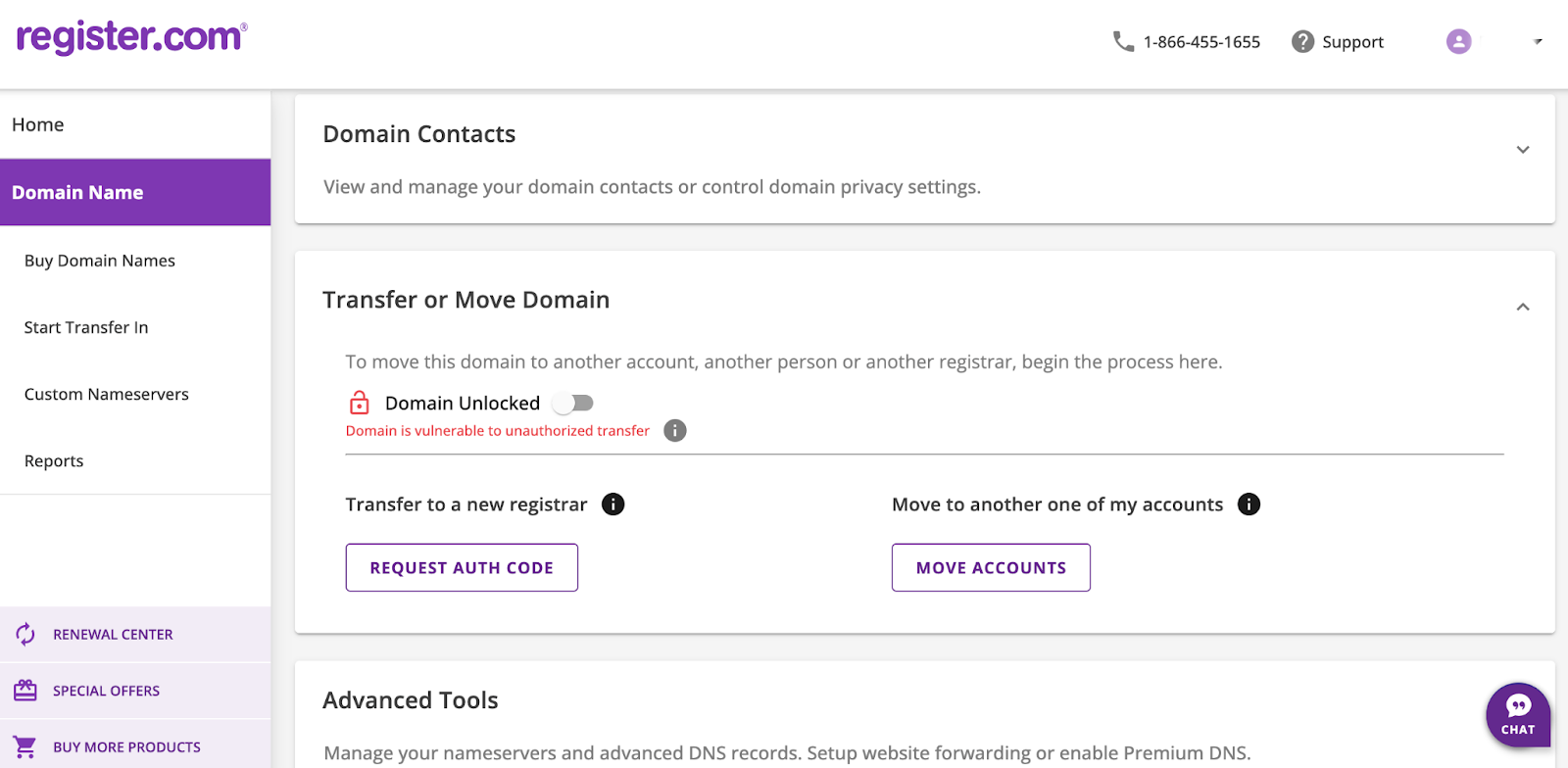
- Under Transfer or Move Domain, click Request Auth Code.
After you submit a request to transfer a domain away from Web.com, they will send an email to the current Account Holder or Primary Contact of the domain name, seeking authorization for the transfer. The Account Holder/Primary Contact will have a 14-day window to approve the transfer request. Upon approval, the domain will take approximately 5-7 business days to complete the transfer. The new domain owner will receive a notification within 48 hours.
Once you receive the Authorization Code, you are free to initiate the transfer process with the new registrar of your choice.
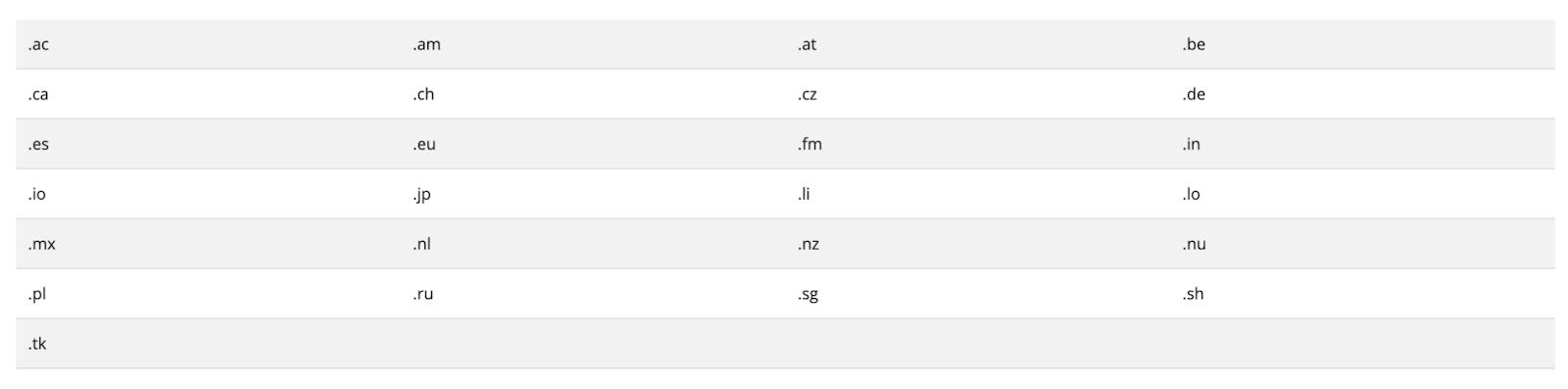
Please note that for certain extensions, in order to comply with registry requirements, the Primary Contact of the account must contact our customer support as part of the transfer process.